

AEShot Capture
The screenshot tool that is always one shortcut away. Capture anything, mark it up, copy the text in it, or record it as a video.
Choose the package for your Linux
- Debian, Ubuntu (.deb)Download
SHA-256
a5b217d495c597af6d46794c41b9916eb6f09cd05fbbf264f9c04f8afffa0838How to checkInstall it with:
sudo apt install ./aeshot-capture_1.2.4-1_amd64.deb - Fedora (.rpm)Download
SHA-256
33227d6b7e48a36c345014d7ef52ae145b65a9b46306aab3d612a7409a57eb85How to checkInstall it with:
sudo dnf install ./aeshot-capture-1.2.4-1.x86_64.rpm - openSUSE (.rpm)Download
SHA-256
40c5dab7e2475e9eef1b324b928b9eb06705fd87e2b7bf1b0018398f03ee9a62How to checkInstall it with:
sudo zypper install ./aeshot-capture-1.2.4-1.opensuse.x86_64.rpm - Arch Linux (.pkg.tar.zst)Download
SHA-256
7a2cc7d99feddc95cb1895b11013779a349cfd3204cd0e160e3b79222c01ebb8How to checkInstall it with:
sudo pacman -U aeshot-capture-1.2.4-1-x86_64.pkg.tar.zst
By downloading an app, you accept the terms of use.
Free · No account · No ads
Everything a screenshot needs
Every capture mode, a full editor and screen recording, a shortcut away.
Area, window and screen
Drag a frame on a frozen screen with a magnifier and exact sizes, or click any window to capture it with transparent corners and its shadow.
Scrolling capture
Just scroll. Long pages, chats and documents become one tall image, stitched as you go.
Annotate
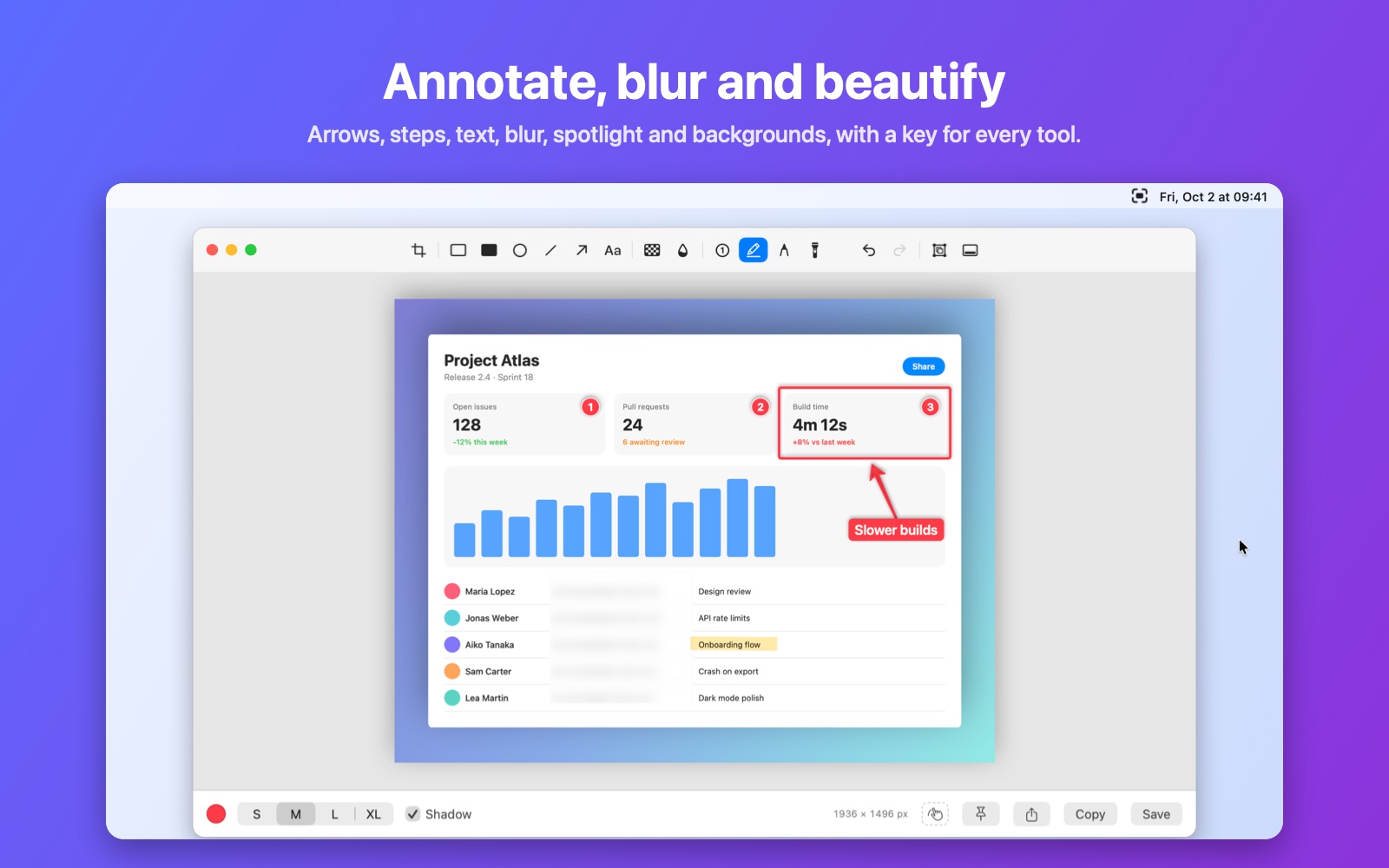
Arrows, shapes, text, numbered steps, highlighter, blur, pixelate and spotlight, plus backgrounds that make any screenshot presentable.
Copy text (OCR)
Select text anywhere on screen, even in images and videos, and it lands on your clipboard. Recognized on your computer, in many languages.
Screen recording
Record an area, a window or the whole screen as video or GIF, with your computer’s sound, microphone and click highlights, up to your display’s refresh rate.
Quick Access
After each capture a thumbnail waits in the corner: copy, save, annotate, pin, or drag it straight into an email, a chat or a folder.
Pin to screen
Keep a screenshot floating above your windows as a reference while you work, at any size and opacity.
A shortcut for everything
Every mode has its own shortcut, including Capture & Copy variants that go straight to the clipboard with no popup at all.
See it in action
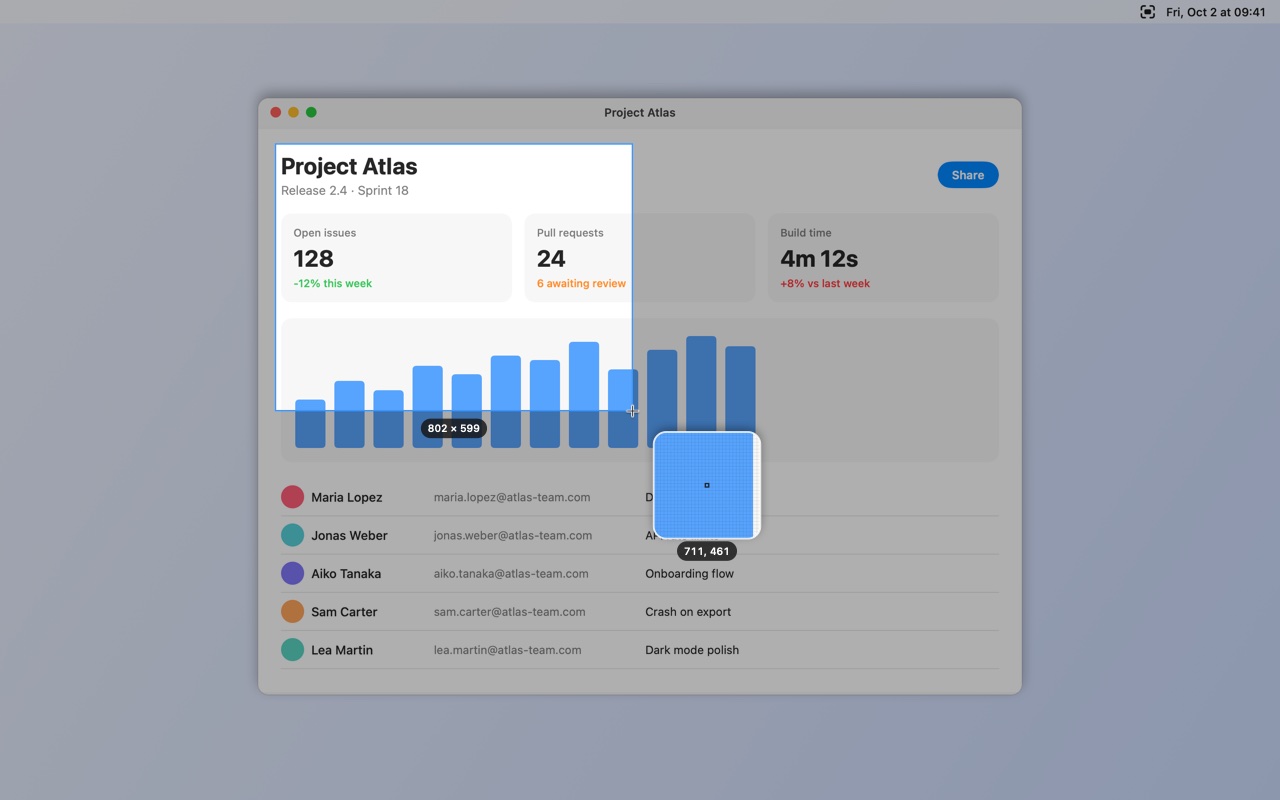
Capture any area
Drag on a frozen screen, with a magnifier and the exact size in pixels.
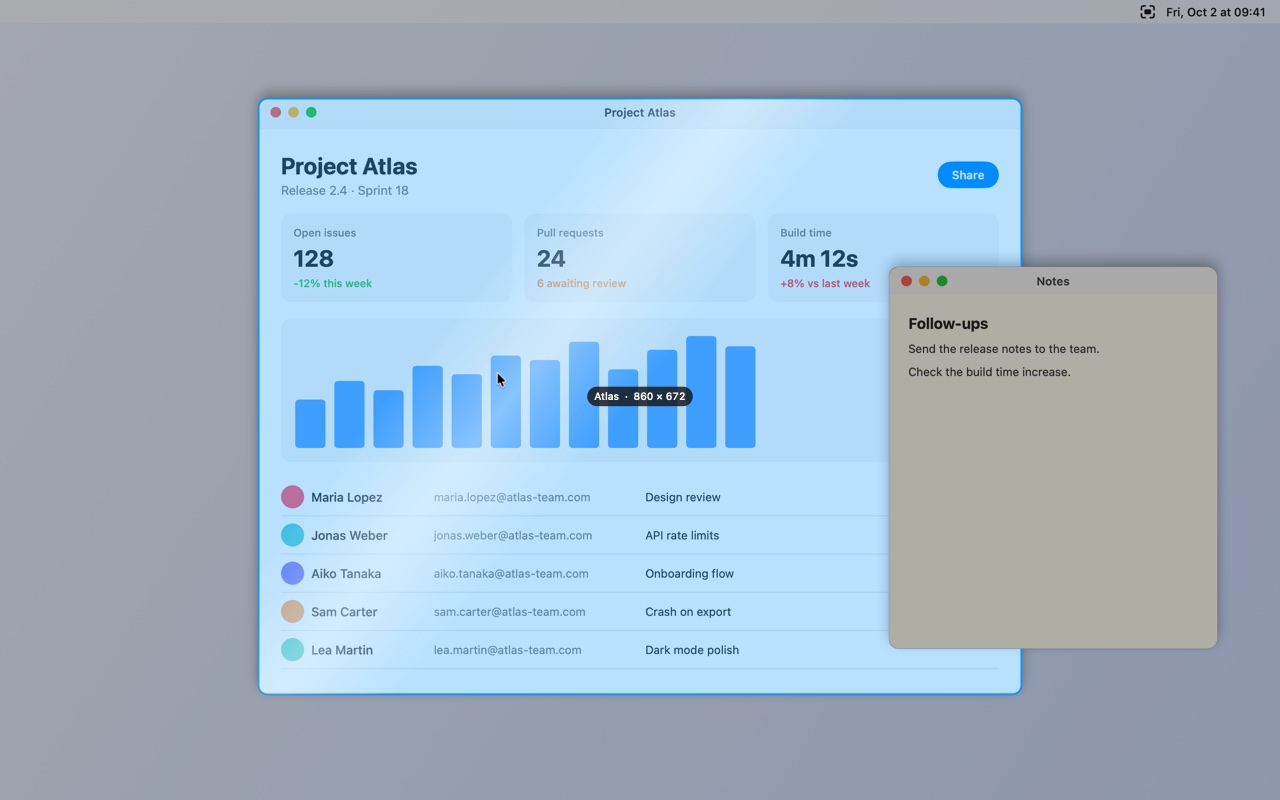
Capture any window
Point at a window and click. It is captured on its own, with rounded corners and its shadow, even where something covers it.
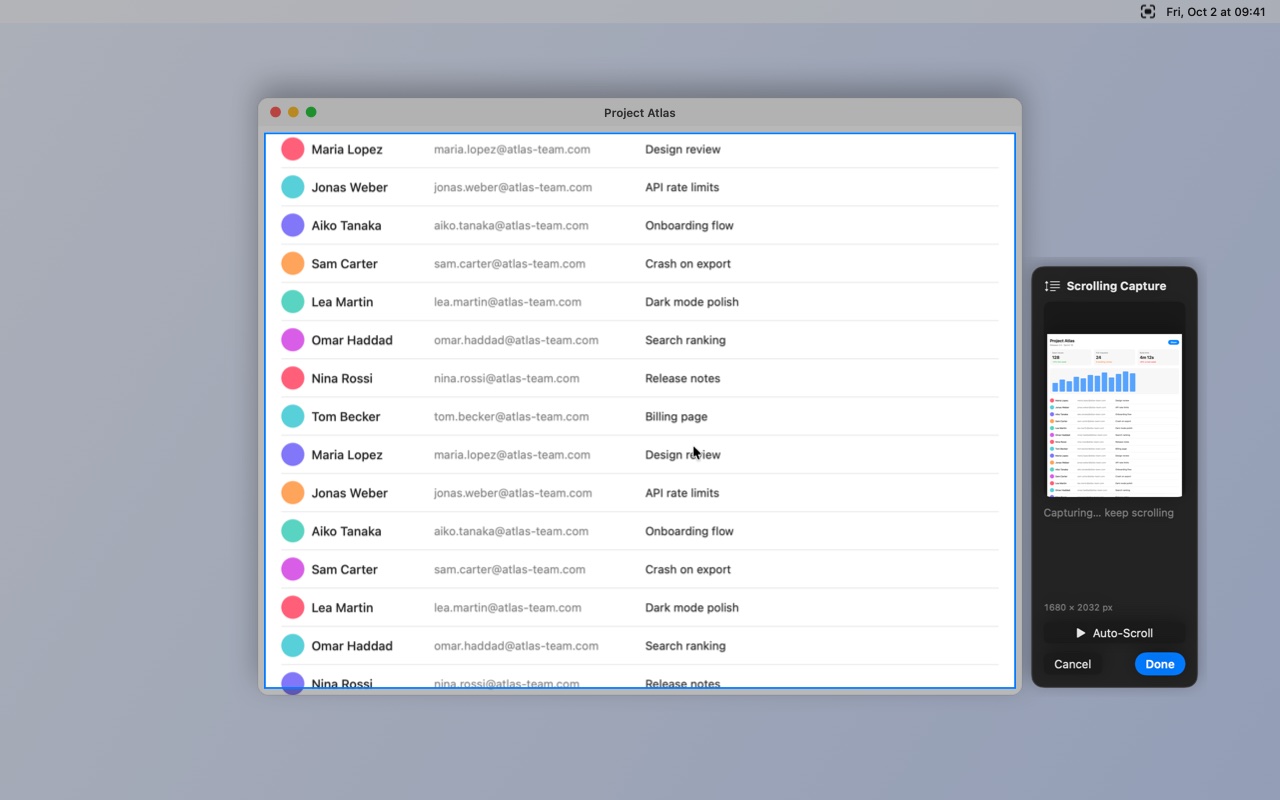
Capture whole pages
Scroll slowly, and the page is stitched into one image as you go.
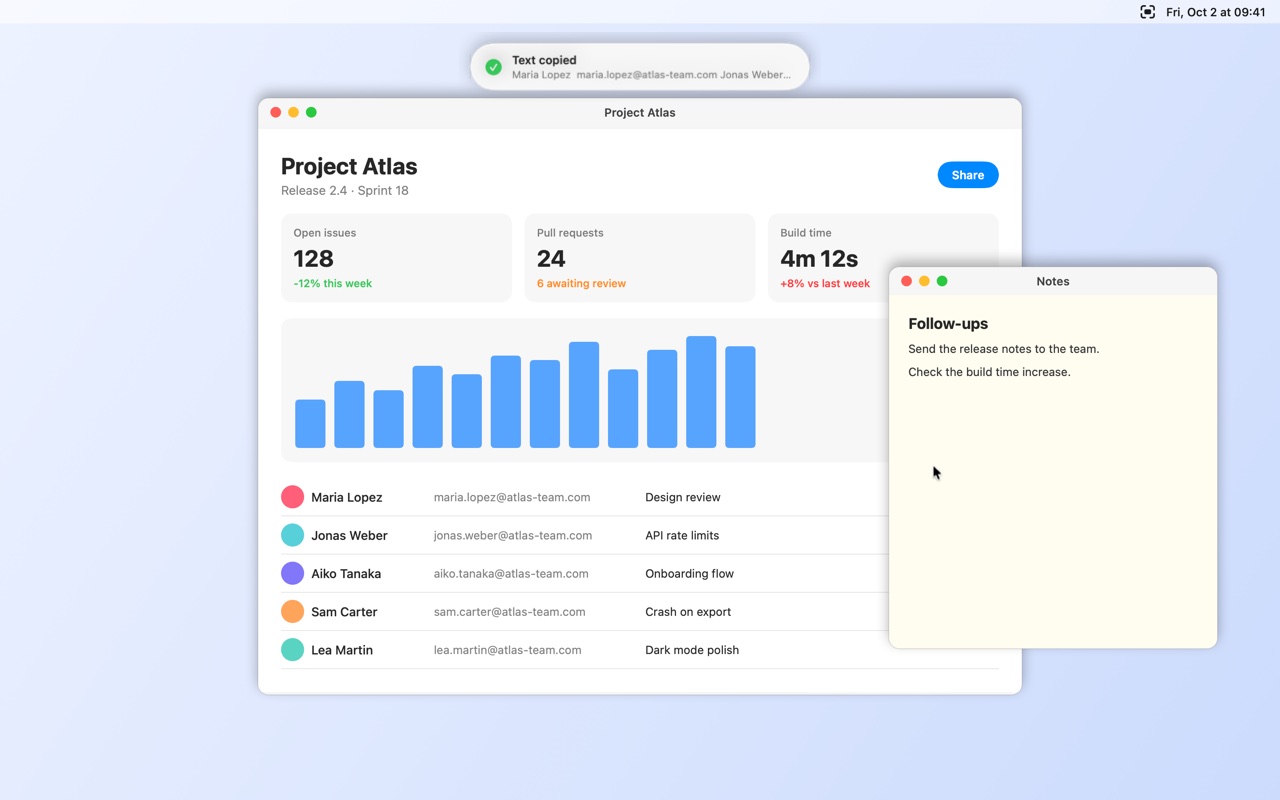
Copy text from anything
Select it on screen and it is on your clipboard, recognized on your computer.
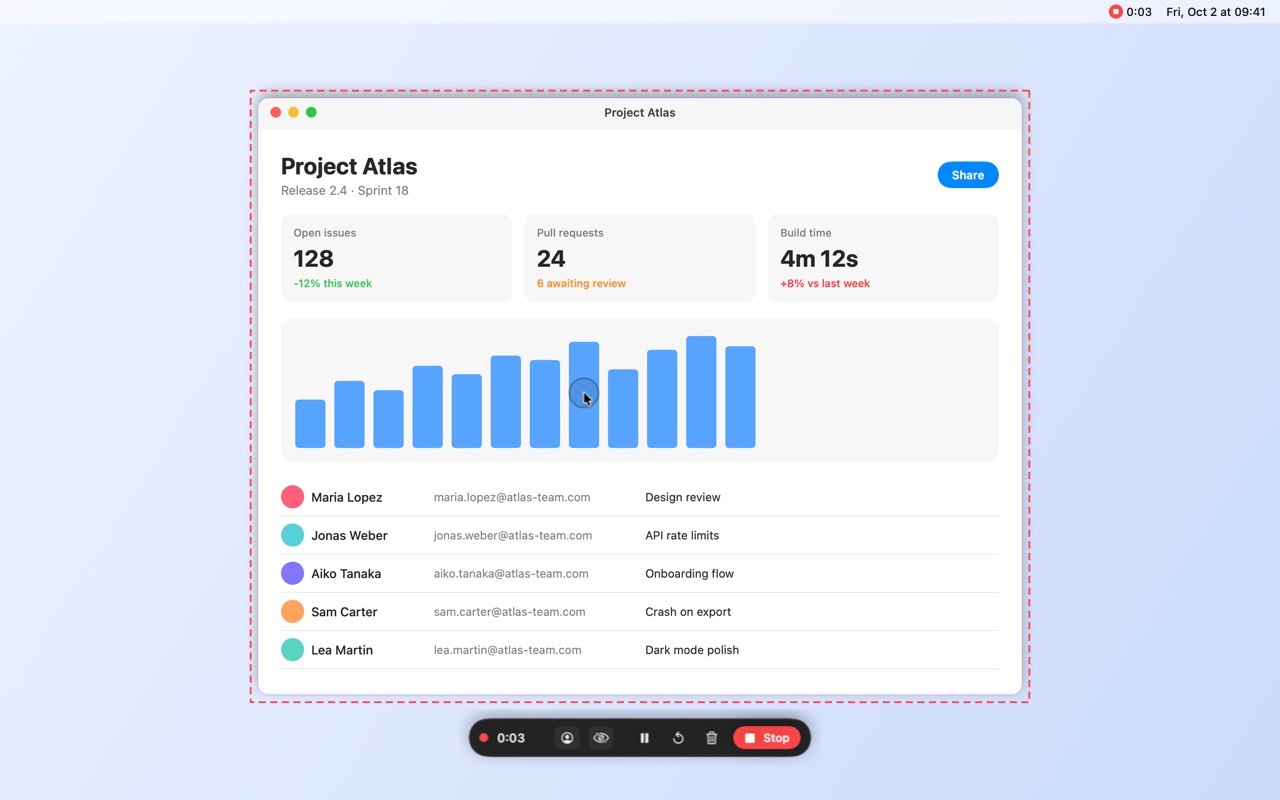
Record your screen
Video or GIF, with sound, microphone and highlighted clicks.
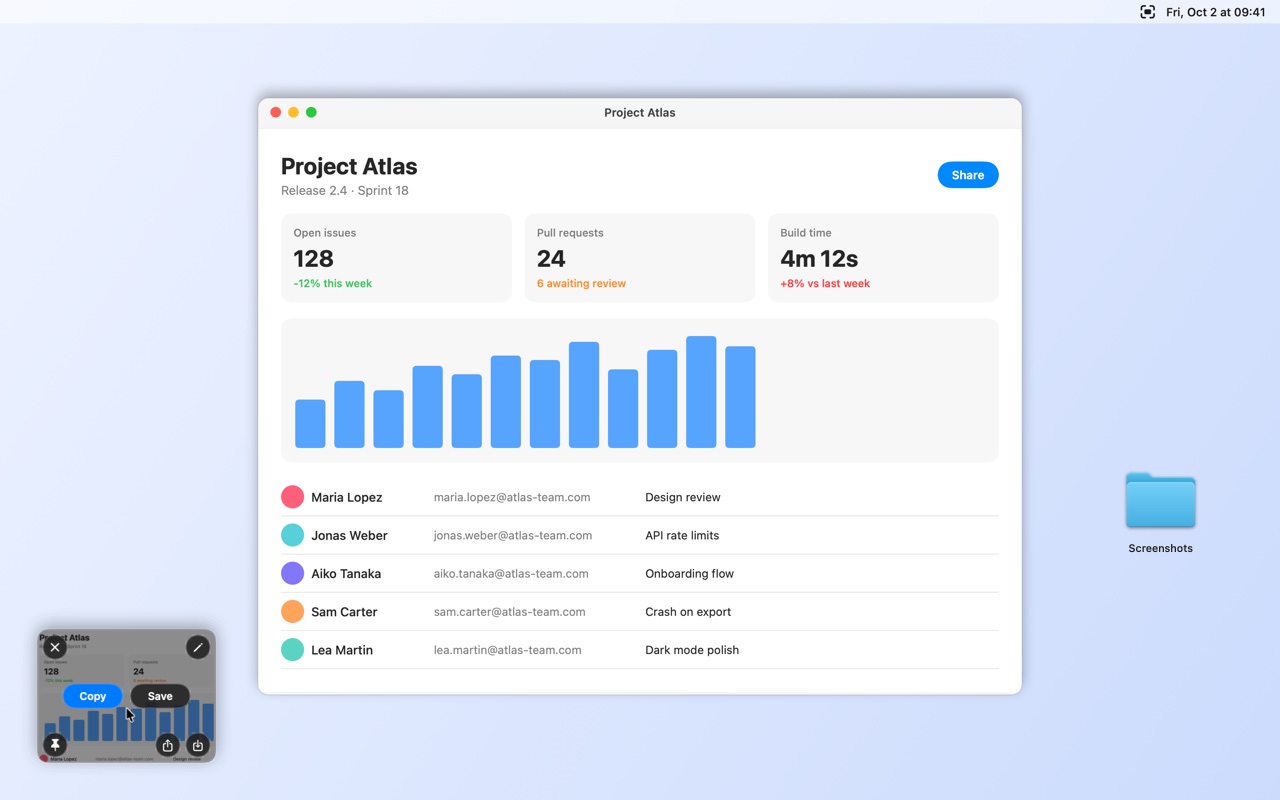
Copy, save or drag
A thumbnail waits after every shot. Copy it, or drag it wherever it needs to go.
Free. Nothing to buy.
AEShot Capture is free, like every AEShot app: nothing to buy and no ads. Every feature is yours from the first launch.
Private by design
No account, no ads, no uploads and no tracking of what you do. Everything you capture, recognize and record with AEShot Capture stays on your computer; it only counts its installations, anonymously. Available in English, German, French, Spanish, Italian, Portuguese, Japanese, Korean and Chinese.
Now on Windows too
AEShot Capture for Windows has the same capture modes, editor, text recognition and screen recording, for Windows 11, and it is free too: download it. The Linux version follows soon.
What people say about AEShot Capture
Super useful!! and FREE
Tell others what you think of AEShot Capture.
Reviews come from people who use the app, written in the app or here with its installation ID, one per installation. Each review is read before it appears. How reviews work
More AEShot apps

AEShot Sync
Safe backups to any drive

AEShot Studio
Polished screen videos and guides

AEShot PDF
Edit, sign and combine PDFs